


Sims · Operational data
Level and flow monitoring with operational context
Turn isolated measurements into a continuous view of tanks, transfers, history and alerts in the Rastrom dashboard.
What does Rastrom provide with this solution?
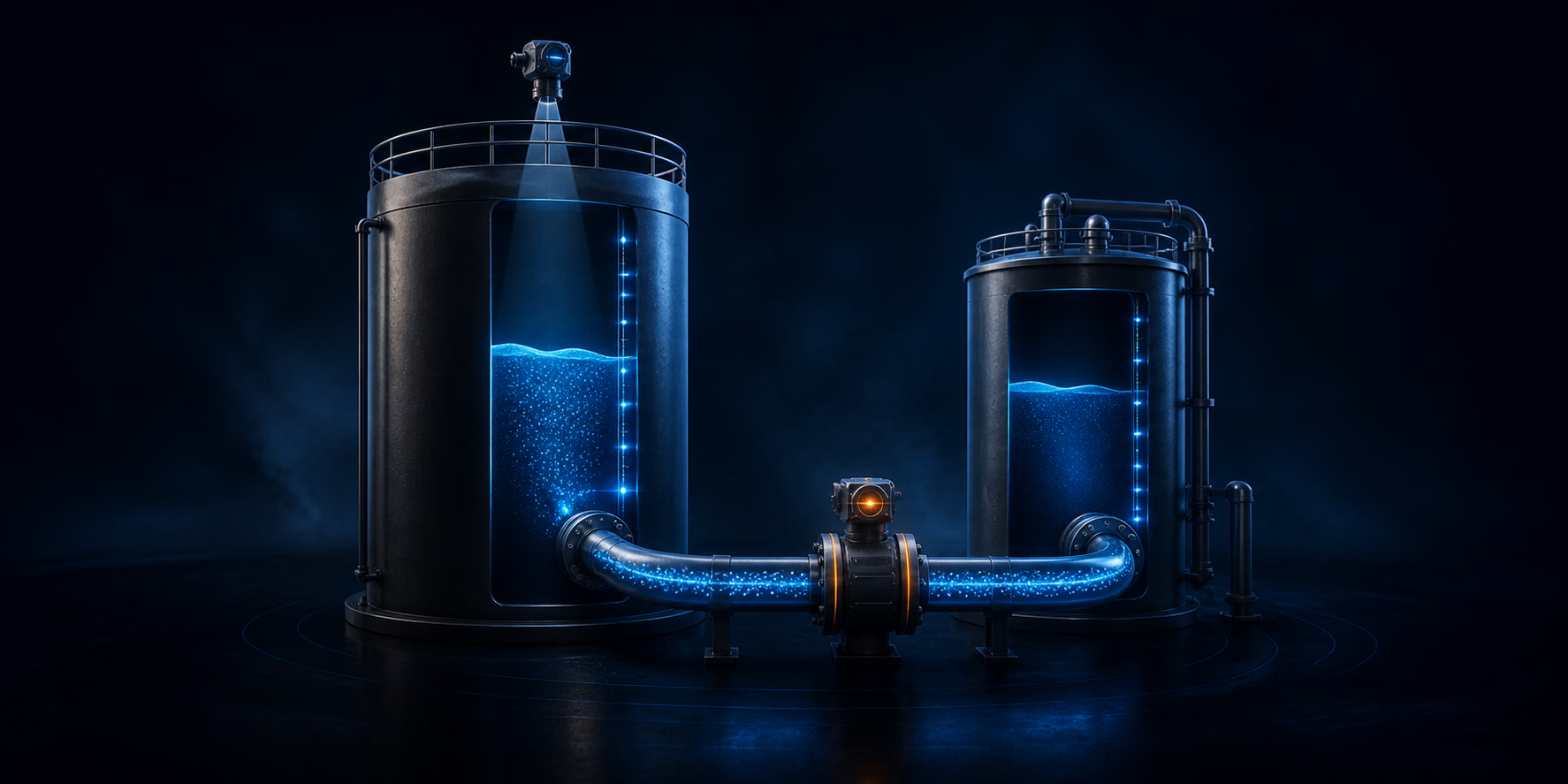
Level monitoring shows how much product is available in a tank, while flow monitoring shows how it moves during an operation. Sims combines both variables, preserves their history and highlights changes that need verification.
Why combine level and flow measurements?
Level indicates product height or estimated volume in a vessel. Flow records movement during transfers, receipts or dispatches.
When both are analyzed on the same timeline, teams gain a clearer view of inventory behavior, movements and possible deviations.
Organized information that reduces uncertainty
Connect technical data to the context used by your team.
Centralized readings
See the site's level and flow meters in one organized dashboard.
Timeline comparison
Use history to examine trends, range changes and operational events.
Rule-based attention
Direct teams to situations outside configured limits.
Preserved source
Keep the hardware, port and conversion settings for every reading.
What can be part of your operation
Configuration follows the module and operational context contracted for each site.
- Current level by meter
- Flow and movement monitoring
- Historical reading series
- Device connection status
- Meter calibration
- Linked-meter analysis
How information moves through the operation
- 01
Instrument
Connect compatible meters to the hardware assigned to the site.
- 02
Configure
Define port, variable, conversion parameters and operating limits.
- 03
Monitor
View current readings, status and history in Sims.
- 04
Analyze
Compare level, flow and events to investigate deviations.
Answers about Level and flow monitoring
Objective information to evaluate this solution for your operation.
What is the difference between level and flow?
Level indicates product in a vessel; flow indicates product movement over time.
Can level and flow be compared?
Yes. Related meters can be analyzed on the same timeline.
Does monitoring replace calibration?
No. Reliable readings also depend on correct installation, configuration and calibration.
See Rastrom applied to your operation
Tell us about your scenario and discover the most suitable configuration.